Introduction
When you get a PS5, one of the first decisions is what to plug it into. Gaming monitors and TVs both work — but they have very different strengths. Your choice should depend on what you play and how you sit.
The Key Differences
| Feature | Gaming Monitor | TV |
|---|---|---|
| Screen Size | 24″-32″ typical | 43″-75″ typical |
| Input Lag | 1-5ms | 10-25ms (Game Mode) |
| Refresh Rate | 144Hz-240Hz | 60Hz-144Hz |
| Price (good quality) | $200-$400 | $300-$1,000 |
| Viewing Distance | 1.5-2.5 feet | 5-10 feet |
| HDR Quality | Limited | Superior (OLED TVs) |
| 4K Quality | Good | Excellent |
When to Choose a Gaming Monitor for PS5
- You play competitive multiplayer (Warzone, Apex, FIFA online)
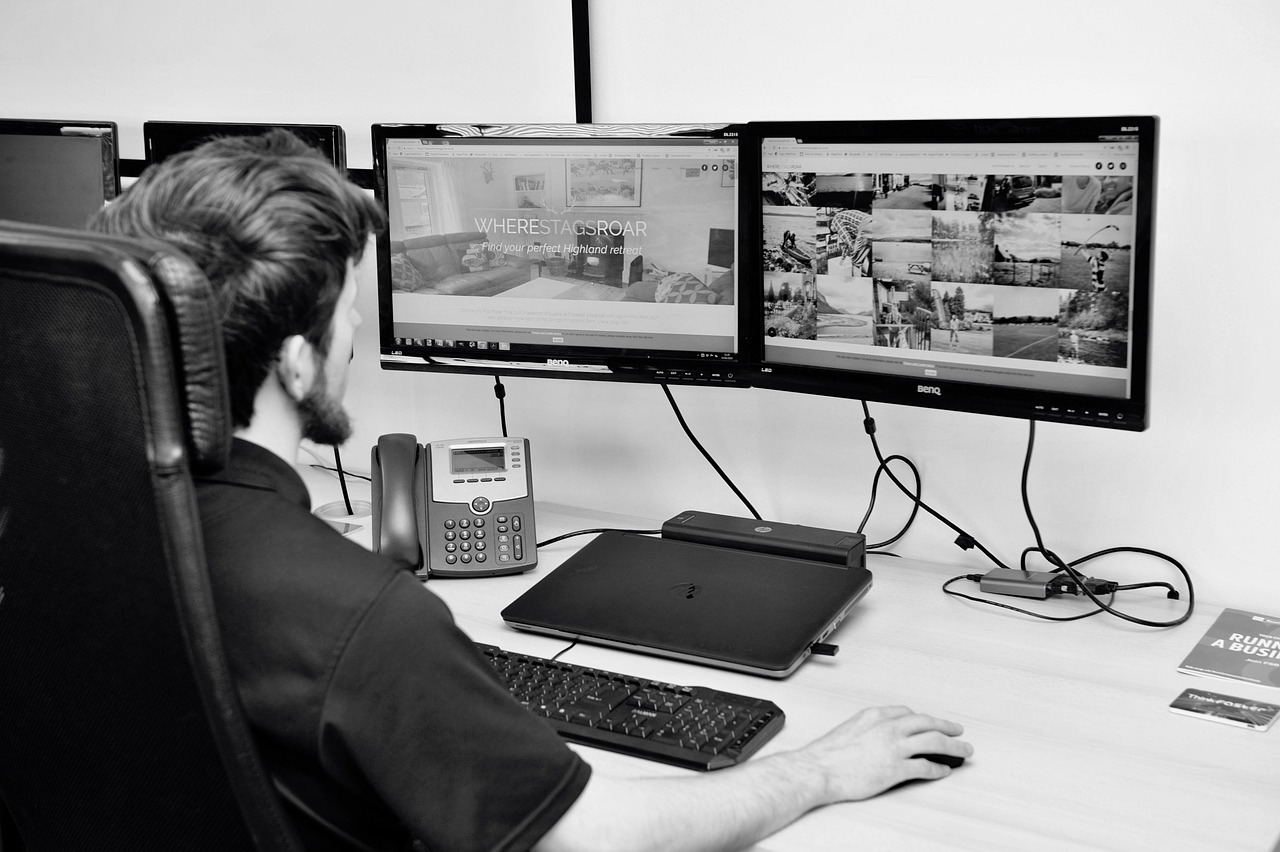
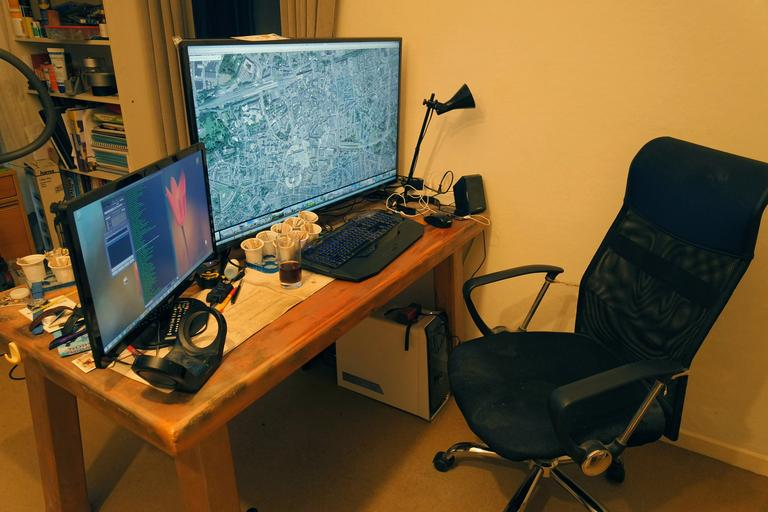
- You sit at a desk to game
- Low input lag is priority — monitors win here
- Budget is under $400 — good monitors cost less than good TVs
- You want 120fps — 144Hz monitors are more affordable than 120Hz TVs
When to Choose a TV for PS5
- You game from a couch or bed at 6+ feet distance
- Single-player/story games are your focus
- HDR and visual quality matter most — OLED TVs destroy monitors for HDR
- You want a big screen (43″+)
- Family gaming — everyone can see a TV
The Best of Both Worlds: OLED TV
Samsung QD-OLED and LG OLED TVs now offer 0.1ms input lag, 120Hz, and incredible HDR. If budget allows ($800-$1,500 for 42-48″), a 48″ OLED TV works perfectly as both a gaming monitor and TV.
Conclusion
For desk gaming and competitive play: get a 27″-32″ gaming monitor. For couch gaming and cinematic single-player: a 55″+ TV. If you can stretch your budget, a 42″-48″ OLED TV covers both scenarios perfectly.