
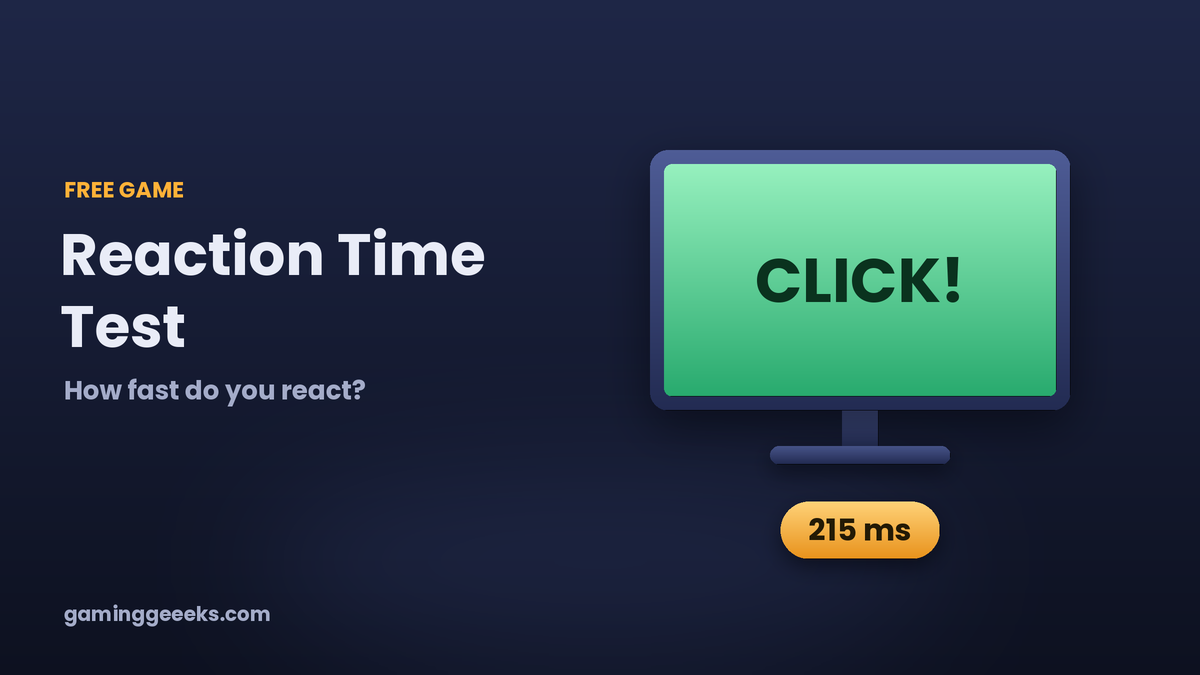
Want to do a reaction time test with your mouse? Click when the box turns green. You get five tries, and we show your average in milliseconds. Nothing to download, and your scores stay in your browser.
A reaction time test shows how fast you react to what you see. The screen changes colour, and you click as fast as you can. The test then shows how long you took, in milliseconds (ms). A smaller number means you are faster. Most people take between 200 and 250 ms.
This test checks your speed, not the speed of your mouse. Your screen and your mouse do add a tiny delay, so your score can change a little from one device to another.
How to take a reaction time test?
- Click the box to start. It turns red.
- Wait. The box turns green after a random delay.
- Click as soon as you see green.
- Do it five times. Your average is the number that counts.
If you click before it turns green, that try does not count. Click again to retry.
What your reaction time means?
| Average | What it means |
|---|---|
| Under 200 ms | Very fast |
| 200 to 270 ms | Normal for most players |
| Over 270 ms | Slower. Check your setup before you blame yourself |
One try can be lucky or unlucky. Use the average of five, and run the test a few times in a row.
Why your score may look worse than you are
The number you see is you plus your hardware. Everything between your eye and the click adds a little delay:
- Your screen. A 60 Hz screen shows a new picture about every 17 ms. A 144 Hz screen does it about every 7 ms.
- TV picture modes. A TV without Game Mode turned on can add a lot of delay.
- Your mouse. A wireless mouse on low battery, or one set to a low polling rate, reports clicks later.
- Your browser. Many open tabs or a busy computer slow the page down.
So a score on a phone, an office laptop and a gaming PC will not match. Compare your scores on the same device only.
How to get a faster score
- Close other tabs and programs, then run the test again.
- If you play on a TV, turn on Game Mode.
- Set your monitor to its highest refresh rate in your display settings.
- Use a wired mouse, or charge your wireless one.
- Sleep. Tired players are slower, and no setting fixes that.
On my personal setup, I recorded an average reaction time of 341 ms across five trials using my ASUS TUF Gaming VG279QM (280Hz) monitor and Logitech G Pro X Superlight 2 mouse. The biggest factor that changed my score was my physical state, I scored noticeably faster when fully awake and focused, compared to when I was tired. The 280Hz refresh rate definitely made it easier to see the color change instantly, removing any monitor lag from the equation.
Does reaction time matter in games
It matters most in fast shooters and fighting games, where two players react to the same thing at the same moment. It matters much less in strategy and story games. In most matches, knowing where to look beats a few milliseconds of raw speed.
If you want to know how we test then click here: https://gaminggeeeks.com/how-we-test/
Questions people ask
Is this test accurate?
It is accurate enough to compare your own scores on the same device. It cannot separate your reaction from your screen and mouse delay, so do not compare it with a score from a different device.
Can I take it on a phone?
Yes. Tap instead of click. Phone scores are often slower because touch screens add delay.
Why do I get “Too early”?
You clicked while the box was still red. Wait for green.