
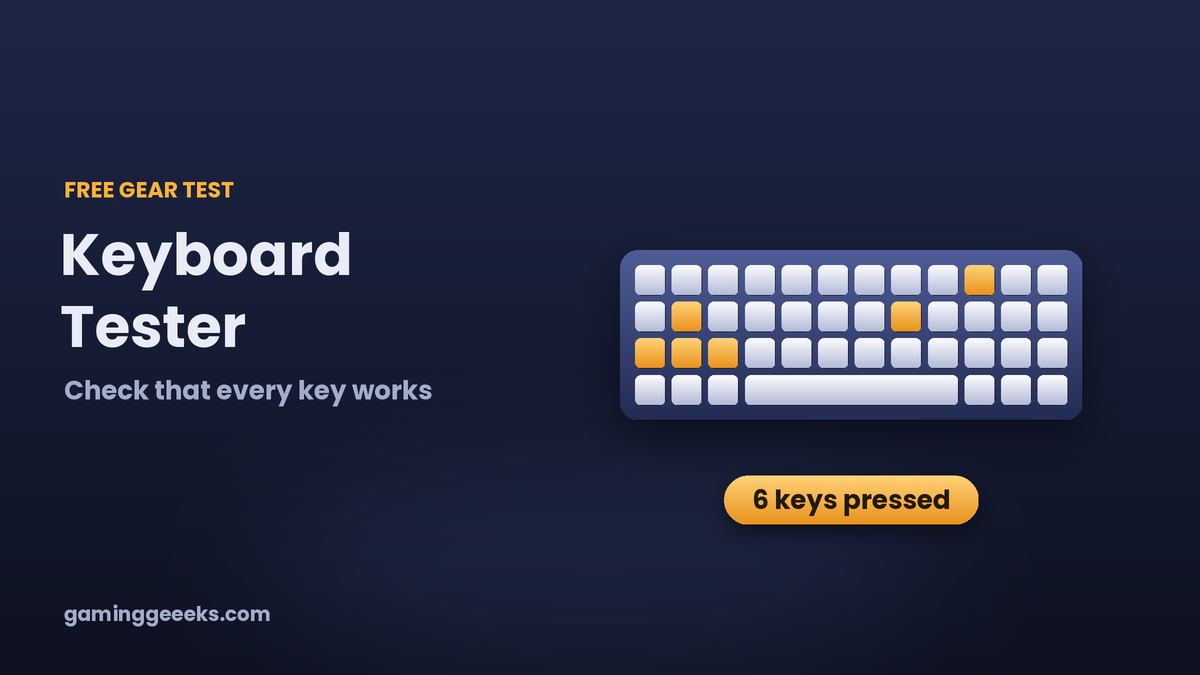
Click the box, then press each key on your keyboard. Keys light up while held and stay outlined once they have worked. Nothing you type is stored or sent anywhere.
Built and checked by Taiyang. Last checked: 22 November 2026. How we test.
What to look for
| You see | It means |
|---|---|
| A key never lights up | Dead switch, or dirt under the key |
| A key stays lit after you let go | Stuck key |
| “Most keys at once” stops at a low number | Ghosting or a rollover limit |
The on-screen layout shows the main keys. Keys that are not drawn still count in the numbers and show under “Last key”.
How to test for ghosting
- Hold W, A and Space together, then add Shift. All should light up.
- Try the combinations you really use in your games.
- Press as many keys as you can at once and read “Most keys at once”.
Many office keyboards only register a few keys at the same time in some combinations. Gaming keyboards often advertise “N-key rollover”, which means every key registers no matter how many are held.
If a key does not work
- Turn the keyboard over and tap out crumbs, or use compressed air.
- Try another USB port, and avoid unpowered hubs.
- On a hot-swappable mechanical keyboard, swap the switch with a working one to see if the fault moves.
My own result: I pressed every key on my keyboard one by one, and all 63 keys I tried lit up. No key stayed lit after I let go, so I found no dead or stuck keys. I ran this test on my laptop keyboard, not on my gaming keyboard.
Questions people ask
Why do some keys not show? Your operating system keeps a few keys for itself, such as the Windows key or Print Screen, so the browser may never see them.
Can this measure my keyboard polling rate? No. A browser can show which keys arrive. It cannot measure how often the keyboard reports.
If dirt is the cause, read how to clean a keyboard without removing keys. To test how fast you can press one key, try the spacebar counter.