

How to fix controller drift? To fix controller drift without opening the controller, test the stick first, then work through five steps in order: reset, update, clean, recalibrate and raise the deadzone. These steps fix drift that comes from software, dirt or bad calibration. They do not repair a worn stick sensor, which needs a repair or a new controller.
Test again after every step. You stop as soon as the drift is gone.
What is controller drift?
Controller drift is a fault where an analog stick sends movement by itself. The stick sits still, but the game acts as if you are pushing it. It is also called stick drift.
A controller, also called a gamepad, is the handheld device used to play games on a PlayStation, Xbox, Nintendo Switch or PC. Its two analog sticks are the small thumb sticks that move the character and the camera. Drift affects only these sticks, not the buttons or triggers.
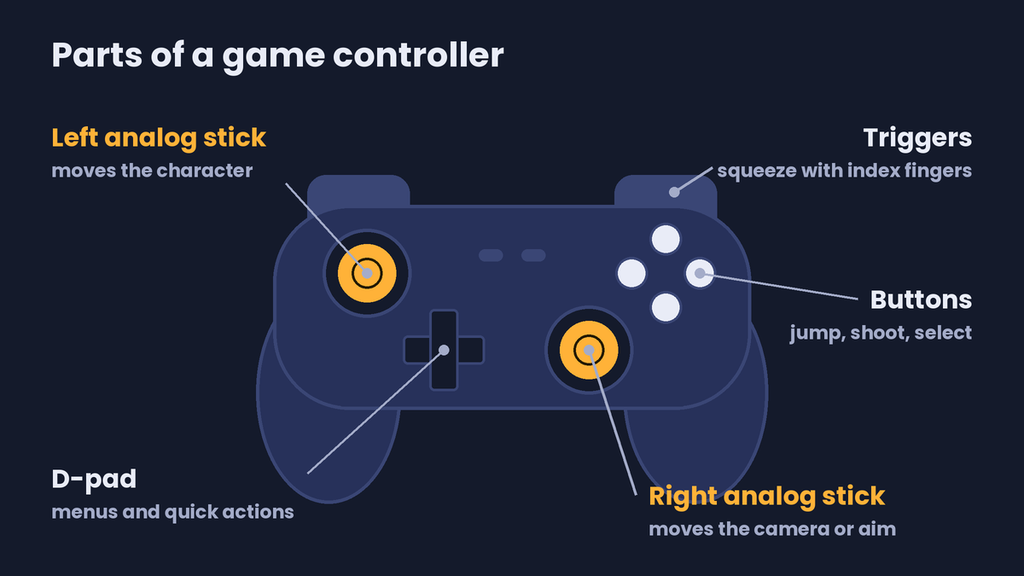
Drift comes from wear and dirt. Every stick movement rubs a small sensor inside the controller. After many hours of play, the sensor wears down or dust gets inside, and the stick loses its true centre.
Drift causes these problems in games:
- The camera turns slowly by itself.
- The character walks without any input.
- The aim slides off the target.
- The menu cursor scrolls by itself.
Drift usually starts small and grows with use.
How do I know my controller has stick drift?
A controller has stick drift when a stick sends movement while nobody is touching it. In a game, the camera turns or the character walks by itself.
Measure it before you change anything:
- Open the gamepad tester and press any button on the controller.
- Put the controller on a table and take your hands off the sticks.
- Press “Run 3 second drift check” and write down the number for each stick.
| Reading at rest | What it means |
|---|---|
| Under 0.03 | No real drift |
| 0.03 to 0.08 | Small drift. The steps below usually hide or fix it |
| Over 0.08 | Clear drift. Try the steps, but expect a repair |
A reading of 1.000 means the stick is pushed all the way. These bands are a rough guide from our own tester, not an industry standard.
What causes stick drift?
Stick drift has three causes: a worn sensor, dirt, or wrong calibration. Only the last two can be fixed from the outside.
Most controllers read each stick with 2 small sensors called potentiometers, one for left and right and one for up and down. Inside each one, a metal wiper slides across a resistive pad. iFixit explains that the pad loses a tiny amount of material every time the stick moves. Over time, the reading at the centre changes, and the controller sees movement that is not there.
The stick modules in the PS5 DualSense are rated for 2,000,000 cycles, according to iFixit’s teardown, as reported by Gizmodo. Heavy use reaches that number sooner.
| Cause | Fixable without opening the controller? |
|---|---|
| Software fault or wrong calibration | Yes |
| Dust and grime under the stick | Often |
| Worn sensor pad or weak spring | No |
How do I fix stick drift without opening the controller?
To fix stick drift without opening the controller, follow these five steps in order. They go from the safest to the last resort.
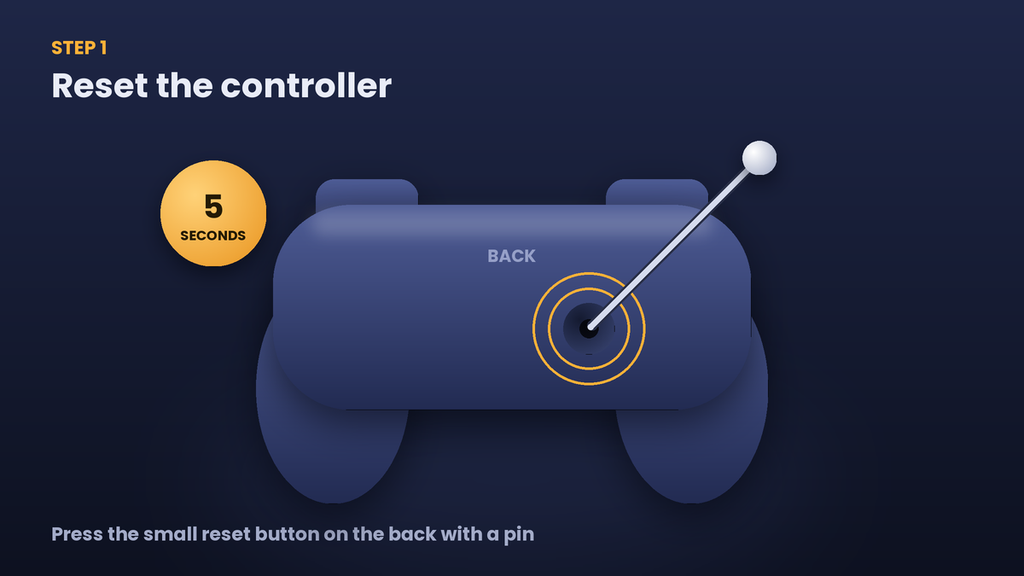
Step 1: Reset the controller
A reset clears a software fault and takes under a minute. The exact method for each controller is in the next section.
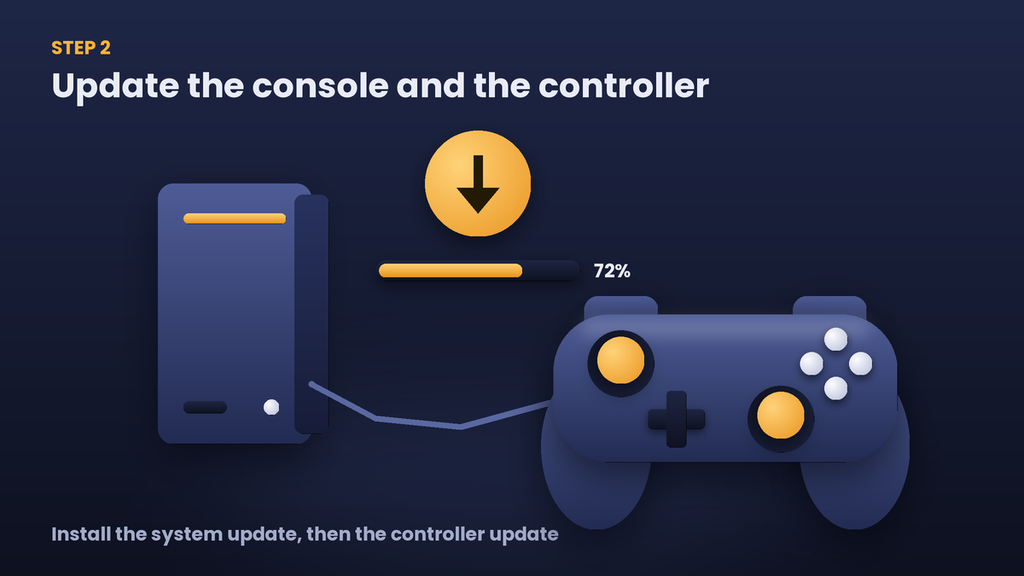
Step 2: Update the console and the controller
Makers ship stick fixes in software updates. Install the latest system update, then the latest controller update.
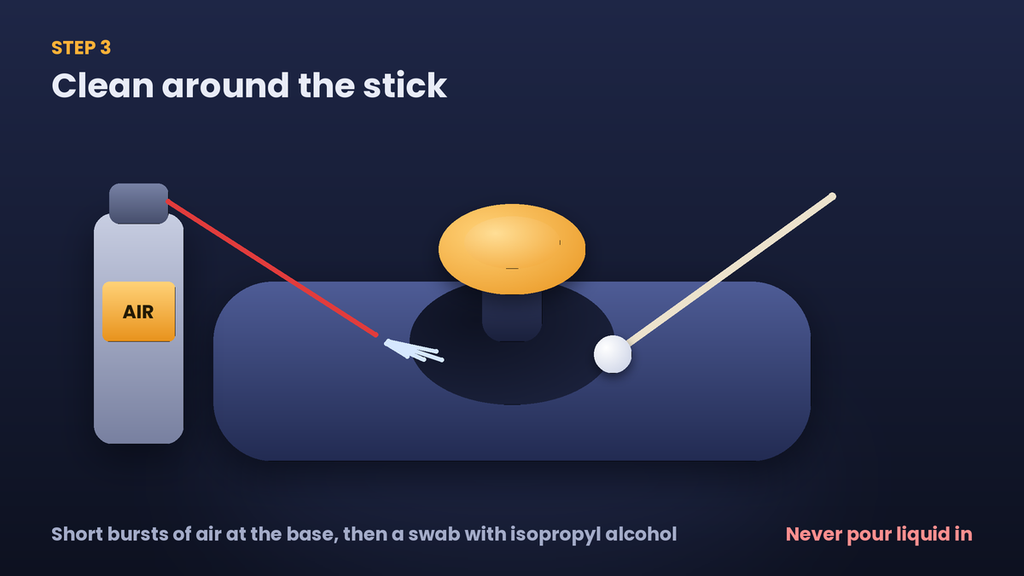
Step 3: Clean around the stick
Turn the controller off. Blow short bursts of compressed air into the gap at the base of the stick while you tilt it in each direction. Then wipe around the base with a cotton swab lightly dampened with isopropyl alcohol, rotate the stick a few times, and let it dry for 5 minutes. Never pour liquid into the controller.
Step 4: Recalibrate the sticks
Calibration teaches the controller where the centre is again. It helps when the stick always pulls the same way.

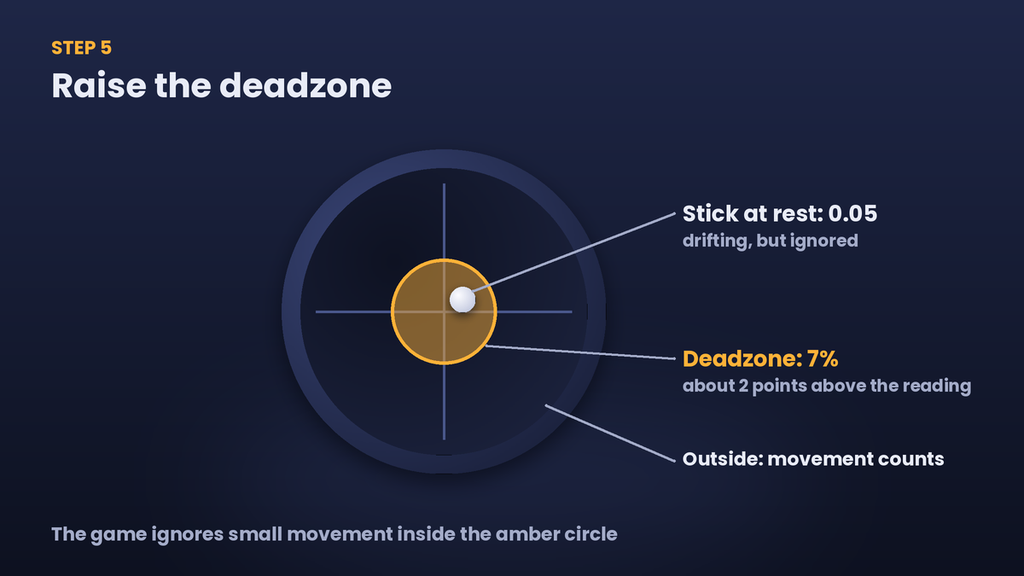
Step 5: Raise the deadzone, if a small drift remains
A deadzone tells the game to ignore small movements near the centre. Set it about 2 points above your resting reading. A stick that rests at 0.05 needs a deadzone of about 7%.
Two honest limits. iFixit reports some success ending drift by cleaning the stick sensors with compressed air and isopropyl alcohol, but from the outside less cleaner reaches the sensor, so results vary. And a deadzone hides drift. It does not repair the stick.
How do I reset and recalibrate my controller?
The reset and calibration steps are different for each controller. These come from each maker’s own support pages.
| Controller | Reset | Recalibrate |
|---|---|---|
| PS5 DualSense | Turn off the PS5. Push a pin into the small hole on the back, next to the Sony logo, and hold for 5 seconds. Reconnect with the USB cable and press the PS button (PlayStation Support) | Sony’s troubleshooting page lists no calibration tool. Use the deadzone setting in your game |
| Xbox Wireless Controller | Turn the controller off and on again | Open the Xbox Accessories app on the console or a PC and run the thumbstick calibration tool. Microsoft says it does not fix drift from normal wear (Xbox Wire) |
| Switch Joy-Con and Pro Controller | Update the console, then the controller firmware. Remove any skin or cover | System Settings, then Controllers and Sensors, then Calibrate Control Sticks (Nintendo Support) |
| Any controller on PC | Unplug and reconnect | In Steam: Settings, then Controller, then Calibration & Advanced Settings. You can set the deadzone there too |
The author’s setup. Taiyang plays on a PC with an Xbox Elite Wireless Controller Series 2. On that controller, the calibration in step 4 is done in the Xbox Accessories app, which supports the Elite Series 2 on both console and PC.
When does stick drift need a repair?
Stick drift needs a repair when the resting reading stays above 0.08 after all five steps, or when the drift comes back within a few days. Both point to a worn sensor, and no setting fixes that.
Your options, cheapest first:
- Claim a warranty repair. Check the maker’s warranty before you pay anyone. In the EEA, the UK and Switzerland, Nintendo repairs Joy-Con stick drift free of charge, even when the cause is wear. Sony sends stick problems to its PlayStation Repairs service.
- Replace the stick module. This means opening the controller, and on most controllers it needs soldering.
- Choose Hall effect sticks next time. A Hall effect stick reads position with a magnet and has no parts that rub, so it does not wear in the same way.
Questions people ask
Can stick drift fix itself?
No. Drift from dirt can come and go, but a worn sensor only gets worse.
Does a deadzone fix drift?
A deadzone hides small drift. It also makes small, careful movements harder, so set it as low as you can.
Is it safe to use WD-40 on a controller?
Use isopropyl alcohol or an electrical contact cleaner made for electronics. Ordinary lubricants leave a film that collects more dust.
Sources
- Hall Effect Joysticks (iFixit): how potentiometer sticks work and why they drift.
- Cause of PS5 Controller’s Joystick Drift Revealed by iFixit (Gizmodo): the 2,000,000 cycle rating.
- How to troubleshoot DualSense wireless controller issues (PlayStation Support): the reset steps.
- The Xbox February Update (Xbox Wire): the thumbstick calibration tool and its limits.
- Joy-Con Control Sticks Are Not Responding or Respond Incorrectly (Nintendo Support): Nintendo’s own steps.
- Joy-Con repair for stick drift (Nintendo UK): free repair in the EEA, UK and Switzerland.