

What is gaming gear? Gaming gear is the hardware you use to play video games. It is the things you touch, see and hear while you play: the screen, the mouse, the keyboard, the controller, the headset and the webcam.
Think of a football player. The player needs boots, a ball and a pitch. A gamer needs gear in the same way. Good gear does not play the game for you, but broken gear can make you lose.
What are the main parts of gaming gear?
Gaming gear has 6 main parts. Each part does one job.
| Part | What it does | Simple example |
|---|---|---|
| Monitor | Shows the game | The screen you look at |
| Mouse | Moves your aim and clicks | You point and shoot with it |
| Keyboard | Moves your player and sends commands | You press W to walk forward |
| Controller | Does the job of mouse and keyboard in your hands | You hold it with two hands |
| Headset | Lets you hear the game and talk to friends | You hear footsteps behind you |
| Webcam | Shows your face to other people | Streamers use it |
The PC or console is the brain. It runs the game. The gear is how you talk to that brain.
What is a gaming monitor?
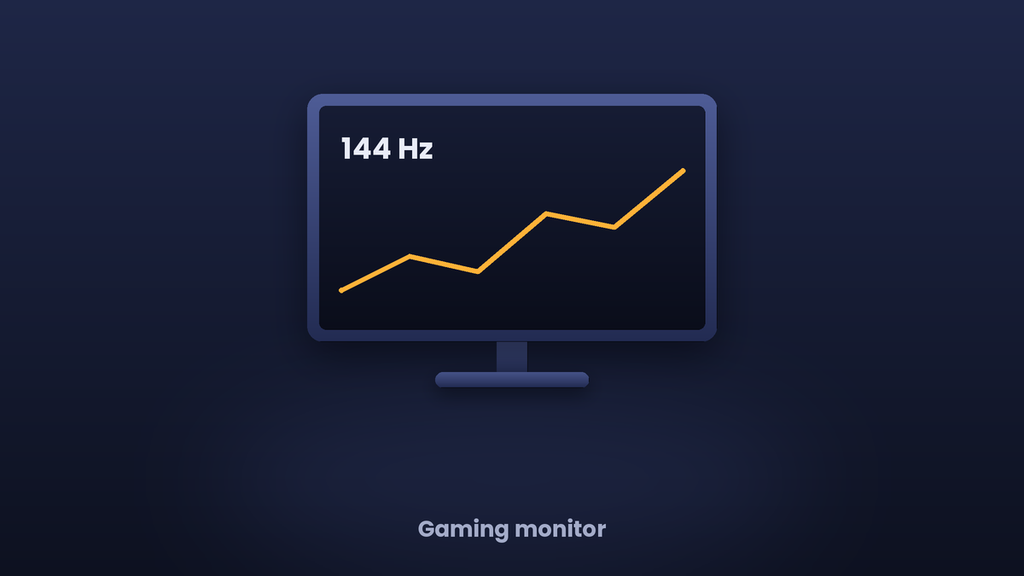
A gaming monitor is a screen that shows new pictures very fast. This speed is called the refresh rate, and it is measured in hertz (Hz). A normal screen shows 60 pictures every second. A gaming monitor shows 144, 240 or more.
More pictures per second make the game look smooth. You can check your own screen with the refresh rate test. A new screen can also have a tiny broken dot, and the dead pixel test finds it.
What is a gaming mouse?
A gaming mouse is a mouse that tells the computer where it is many times every second. This is called the polling rate. A normal office mouse reports 125 times a second. A gaming mouse reports 1,000 times or more.
A gaming mouse is also light, so your hand moves it fast. You can check yours with the mouse polling rate test.
What is a gaming keyboard?
A gaming keyboard is a keyboard that can read many keys at the same moment. In a game you often hold 3 or 4 keys together, such as run, jump and reload. A cheap keyboard can miss one of them.
You can press every key and see if it works with the keyboard tester.

What is a game controller?
A game controller is a small device you hold in both hands. It has two sticks, a set of buttons and two triggers. Consoles such as PlayStation and Xbox use it, and it also works on a PC.
The sticks can wear out and start to move by themselves. This fault is called stick drift. The gamepad tester shows it in 3 seconds.
What are a headset and a webcam for?
A headset is for sound. It lets you hear where a sound comes from, and its microphone lets your team hear you.
A webcam is for video. People who stream their games use it to show their face. You can see your own picture with the webcam test.
Why should you test your gaming gear?
You should test your gear because a small fault can make you play worse without you knowing. A key that does not register or a stick that drifts looks like a mistake by you, but it is a fault in the gear.
Testing is most useful on the day you buy something new. If you find a fault, you can still return it. All the gear tests on this site are free and run in your browser.
Do you need expensive gear to enjoy games?
No. You can enjoy games with simple gear. Expensive gear helps most in fast online games, where a small delay can decide who wins. For story games and slow games, a basic mouse, keyboard and screen are enough.
Questions people ask
Is gaming gear the same as a gaming PC?
No. The gaming PC is the machine that runs the game. Gaming gear is what you connect to it, such as the mouse, keyboard and monitor.
Which gear matters most?
It depends on the game. In shooting games, the mouse and the monitor matter most. In football and racing games, the controller matters most.
What gear does the author use?
I use an ASUS TUF Gaming VG279QM monitor, a Logitech G Pro X Superlight 2 mouse, a SteelSeries Apex Pro TKL keyboard and an Xbox Elite Series 2 controller. The How We Test page explains how I check each test with them.